Micepad vs Whova: Which Event Check-in Software Is Right for You? (2026)
Choosing event check-in software can make or break the onsite experience for your attendees. Two names come up often: Micepad and Whova. But they serve very different purposes.
Whova is a full-suite event management platform covering everything from registration to attendee networking. Micepad is purpose-built for event check-in and badge printing — and does those things exceptionally well.
If you are evaluating a Whova alternative specifically for onsite operations, this comparison will help you understand where each platform shines and which one fits your needs.
Quick Comparison: Micepad vs Whova
Before diving into the details, here is a side-by-side overview of how these two platforms compare across the features that matter most for event check-in.
| Feature | Micepad | Whova |
|---|---|---|
| Focus | Check-in & Badge Printing | All-in-One Event Management |
| QR Code Check-in | Yes (core feature) | Yes |
| On-Demand Badge Printing | Yes (core feature) | Limited |
| Self-Service Kiosks | Yes | No |
| Offline Mode | Yes | No |
| Event App | Basic | Full-featured |
| Networking Features | No | Yes |
| Agenda/Schedule | No | Yes |
| Pricing | Free tier available | Custom pricing |
| Best For | Onsite operations | Full event lifecycle |
The table tells a clear story: Micepad goes deep on onsite operations while Whova goes wide on event management. Your decision depends on what your events actually need.
Where Micepad Wins as Event Check-in Software
If your top priority is getting attendees through the door quickly and handing them a professional badge, Micepad has clear advantages over Whova.
1. Badge Printing That Actually Works
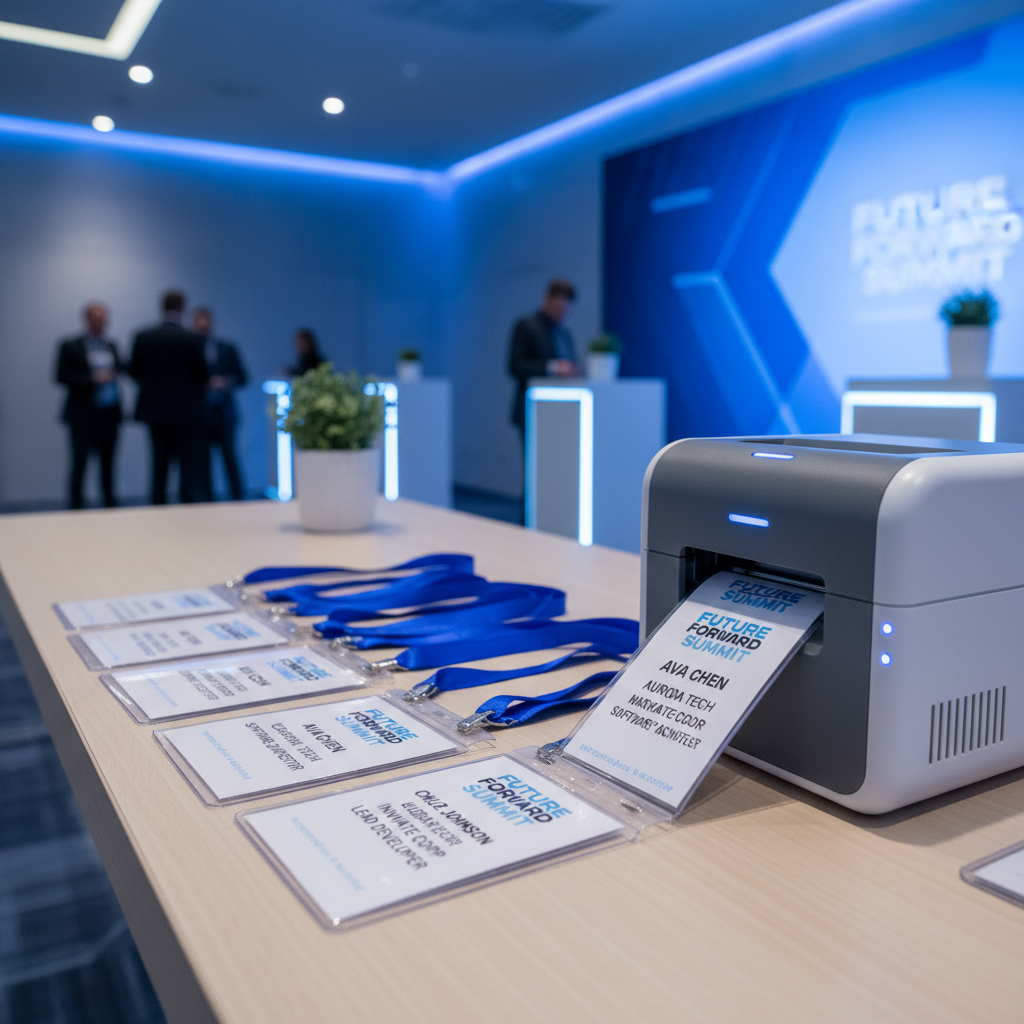
Micepad was built from the ground up around badge printing. The drag-and-drop badge designer lets you create custom layouts in minutes — add logos, QR codes, session tracks, dietary indicators, or any custom field from your registration data.
When an attendee checks in, their badge prints automatically. No separate step. No manual lookup. The system supports multiple printers running simultaneously, so you can handle high-volume conferences without bottlenecks.
Whova offers badge-related features, but they are not the platform's focus. For organizers who run conferences, corporate events, or trade shows where printed badges are standard, the difference in quality and reliability is significant.
2. Self-Service Kiosks
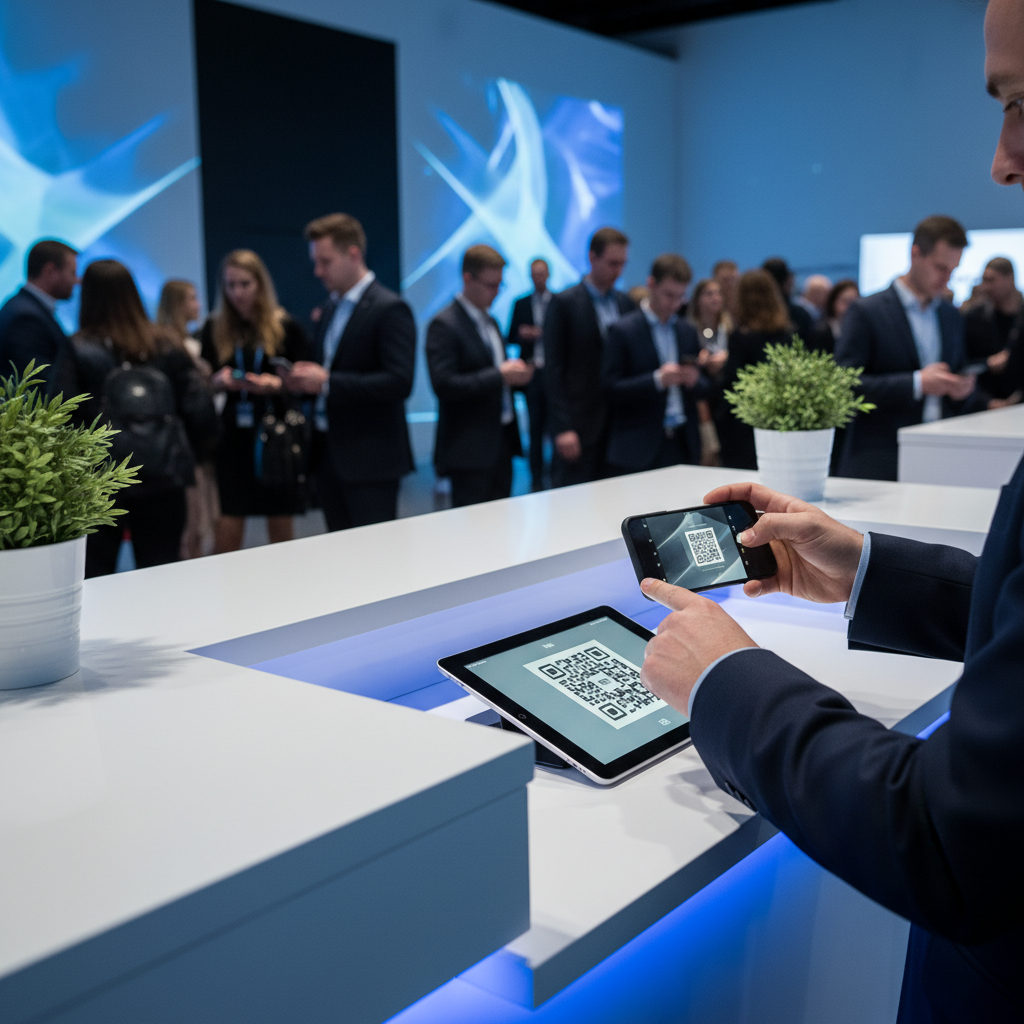
Micepad's iPad-based kiosk mode lets attendees check themselves in. They scan a QR code or search their name, confirm their details, and their badge prints on the spot. No staff needed at the counter.
This is especially useful for events with staggered arrivals, early morning registrations, or limited volunteer support. Whova does not offer a dedicated kiosk mode, so you are relying on staff-operated check-in at every station.
3. Offline Mode for Unreliable Venues
Hotel ballrooms, convention centers, basement conference rooms — WiFi is never guaranteed. Micepad's offline mode lets your check-in stations keep running even when the internet drops. Attendee data syncs automatically once connectivity returns.
For organizers who have experienced the panic of a WiFi outage during peak check-in hours, this feature alone can justify choosing Micepad.
4. Pricing Transparency
Micepad offers a free tier for smaller events, making it accessible for organizations testing event check-in software for the first time. Paid plans scale based on event size and feature needs, with pricing published on the website.
Whova uses custom pricing with no published rates, which means you need to go through a sales process before knowing whether it fits your budget.
5. Faster Setup and Training
Because Micepad does one thing well, there is less to learn. Event staff can be trained on the check-in system in under 10 minutes. Import your attendee list, design your badge, set up your printers, and you are ready. There is no need to navigate a sprawling platform to find the check-in feature buried in a menu.
Where Whova Wins as an Event Management Platform
Being fair about this: Whova is a strong platform — it just solves a different problem. If you need more than check-in, here is where Whova pulls ahead.
1. Full-Featured Event App
Whova's attendee-facing mobile app is one of the most polished in the industry. It covers agenda browsing, speaker profiles, exhibitor booths, venue maps, and personal schedules. Attendees can plan their entire event experience from a single app.
Micepad focuses on the operational side and does not try to compete with Whova's attendee engagement features.
2. Attendee Engagement Tools
Whova includes live polls, Q&A, chat, discussion boards, and gamification features. If audience interaction is a key goal for your event — think multi-day conferences with breakout sessions — these tools add real value.
3. Event Marketing and Registration
Whova handles the full registration lifecycle: branded registration pages, email campaigns, social media promotion, and attendee communication. It is a single platform from promotion through post-event surveys.
4. Virtual and Hybrid Event Support
For organizers running virtual or hybrid events, Whova has a built-in virtual event platform. Micepad is designed for in-person onsite operations and does not include virtual event streaming.
5. Market Presence and Integrations
Whova has a larger install base and broader integration ecosystem. If you need native connections to specific CRM systems, marketing automation tools, or payment processors, Whova is more likely to have them.
When to Choose Micepad
Micepad is the right choice when onsite operations are your priority. Specifically, consider Micepad if:
- Fast, reliable check-in matters most. You need attendees processed in seconds, not minutes. Micepad's average check-in time is under 4 seconds.
- Badge printing is non-negotiable. Conferences, corporate events, and trade shows where every attendee needs a printed badge on arrival.
- You want self-service kiosks. Reduce staffing costs and speed up check-in with iPad-based kiosks.
- Your venue has unreliable WiFi. Offline mode keeps everything running regardless of connectivity.
- You already have a registration platform. Many organizers use Eventbrite, Cvent, or Google Forms for registration and just need a dedicated check-in tool. Micepad imports attendee lists from any source.
- Budget is a factor. The free tier lets you start without a financial commitment.
When to Choose Whova
Whova makes more sense when you need a complete event management suite. Consider Whova if:
- You need an all-in-one platform. Registration, marketing, engagement, and post-event analytics in a single tool.
- Attendee engagement is the priority. Live polls, networking, gamification, and community features.
- You are running virtual or hybrid events. Whova's virtual event platform is built in.
- You need built-in event marketing. Email campaigns, social sharing, and branded registration pages.
Can You Use Micepad and Whova Together?
Yes — and some organizers do exactly that. They use Whova for registration, the event app, and attendee engagement. Then they bring in Micepad specifically for onsite check-in and badge printing.
Micepad imports attendee lists from CSV, Excel, or API integrations. So pulling your Whova registrant data into Micepad takes minutes. You get the best of both platforms: Whova's broad event management capabilities and Micepad's specialized onsite tools.
This combined approach works especially well for large conferences where both digital engagement and smooth physical check-in are priorities.
Frequently Asked Questions
Is Micepad a good Whova alternative for event check-in?
Yes, if your primary need is onsite check-in and badge printing. Micepad is purpose-built for these tasks, offering features like self-service kiosks, offline mode, and auto-print badge workflows that Whova does not match. However, if you need a full event management suite with networking and engagement tools, Whova covers more ground.
Does Whova offer badge printing?
Whova has limited badge-related features, but it is not the platform's strength. Micepad offers a complete badge printing solution with a drag-and-drop designer, multi-printer support, automatic printing on check-in, and full customization of badge layouts including QR codes, session tracks, and custom fields.
Which is cheaper, Micepad or Whova?
Micepad offers a free tier for smaller events and publishes its pricing. Whova uses custom pricing that requires contacting their sales team. For organizers specifically looking for event check-in software, Micepad is typically the more cost-effective option since you are paying only for check-in and badge features rather than a full event management suite.
The Bottom Line
Micepad and Whova are both solid platforms — they just solve different problems. Whova is the better pick if you want one tool to handle your entire event lifecycle. Micepad is the better pick if you want the best possible onsite check-in and badge printing experience.
For many organizers, the choice comes down to this: do you need a generalist or a specialist? If check-in speed, badge quality, and onsite reliability are what keep you up at night, Micepad is worth a look.
Micepad Team
Micepad - Enterprise Event Management Software